Is your HP printer cartridge running low or dried out? Don’t discard it—refilling and reusing your cartridge is an eco-friendly choice that reduces waste and conserves resources.
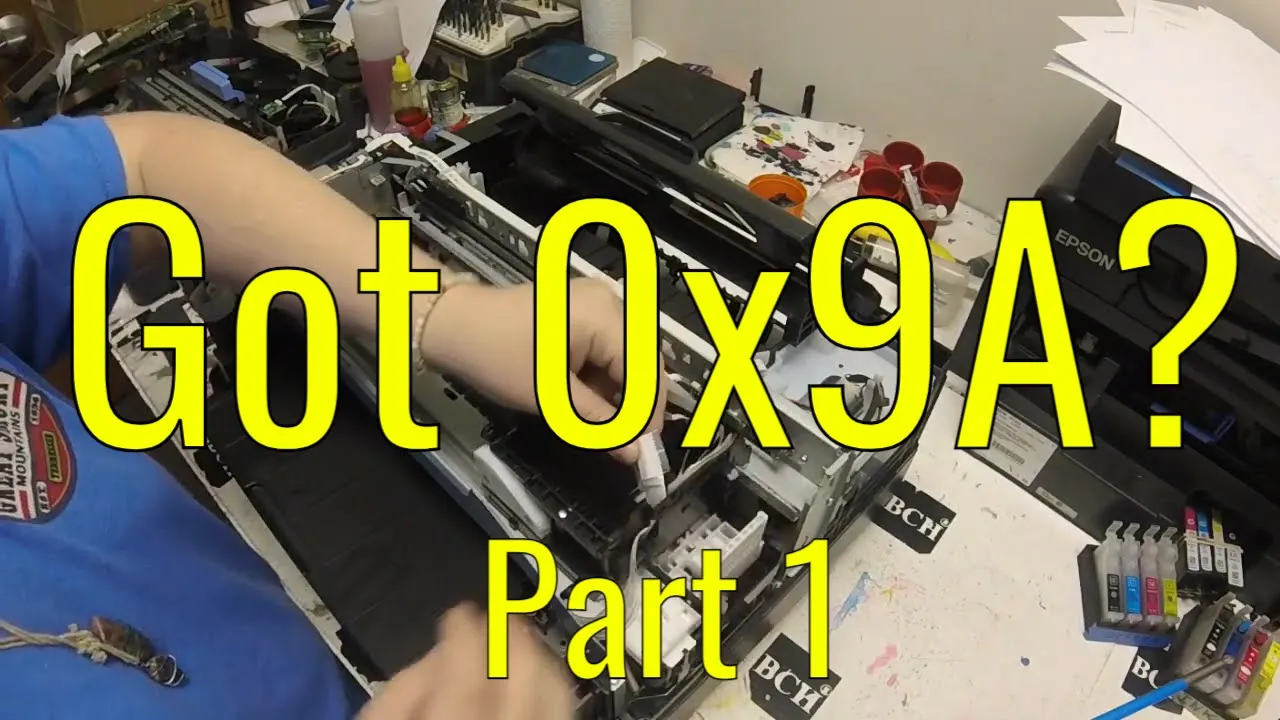
Watch the full step-by-step tutorial here:
What You’ll Learn
In this video, we walk through the process of refilling an HP60 cartridge using the HP PhotoSmart C4795, but the method applies to many other integrated cartridges as well, including HP61, HP62, HP63, and HP65.
We cover:
- How to refill black and color cartridges
- How to use priming clips and unclog dried printheads
- How to troubleshoot low ink warnings and print quality issues
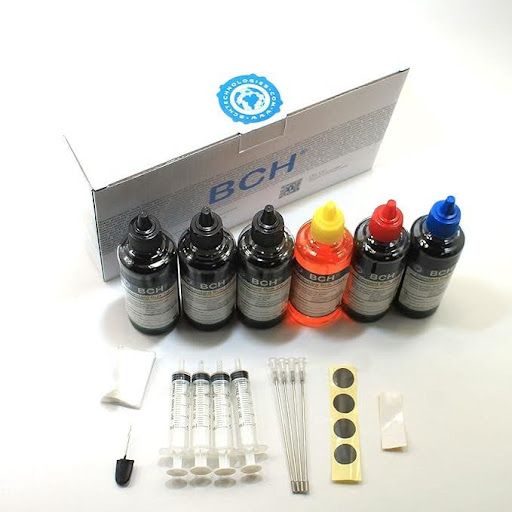
Recommended Refill Kits
We recommend the EZ30-T Kit at BCHTechnologies.com for a complete refill and unclogging solution. This kit includes:
- Priming clip (essential for unclogging dried cartridges)
- Four bottles of ink (black, cyan, magenta, yellow)
- Two silicone sealing pads
- One syringe (for suction, not ink injection)
- Helpful accessories like toothpicks (for checking ink chamber colors)
If you purchased the ID30-KCMY or ID30-KKK kits (which don’t include a priming clip), don’t worry—we show you how to refill without the clip using a household vacuum cleaner and paper towels.
Dealing with Dried or Clogged Cartridges
Many cartridges sit unused for months and suffer from dried ink. Here’s how we handle it:
- Soak the cartridge printhead in warm water or use our anti-clogging solution (green for tough clogs, clear for mild)
- Use a priming syringe or a vacuum cleaner to pull ink through the nozzles
- Apply steam using a facial steamer, clothing steamer, or even a bowl of boiling water to help open clogged pores
Refilling Tips
- For black ink, locate the central dent on the cartridge and drill a small hole. Inject ink slowly to avoid overflow.
- For color ink, identify the correct chambers using a toothpick or remove the label to reveal the holes.
- Always leave a small air hole when sealing with tape—airtight seals can cause pressure issues.
What to Expect After Refilling
HP printers won’t reset the ink level even after refilling. It’s normal to see:
- “Low Ink” or “Ink Depleted” warnings—press OK and continue printing
- Ink levels turning into a question mark (?)—this means the printer will no longer monitor the cartridge, but printing can continue indefinitely.
Monitor print quality closely. If colors fade or lines appear, follow the unclogging steps shown in the video.
Embrace Sustainable Printing
By refilling and reusing your ink cartridges, you’re contributing to a more sustainable planet. Not only do you reduce environmental impact, but you also enjoy significant cost savings.
For more eco-friendly printing tips and resources, visit our blog and join the movement towards greener printing practices.
Get More Printer Repair Tips
Subscribe to our free newsletter for weekly fixes, troubleshooting guides, and exclusive discounts on printer accessories and services.