Error code 0xF1 can appear on early Epson EcoTank models such as the ET-2550. This error generally indicates that the printer has detected a problem related to internal sensing or signal communication rather than ink levels or software settings. Understanding what the printer is signaling can help users make informed decisions about reuse, repair awareness, or responsible recycling instead of discarding the device prematurely.
What the Printer Is Detecting
Inside the ET-2550, the printer relies on sensors and flat flexible cables (FFCs) to confirm that key components are correctly aligned and communicating. When one of these signal paths is interrupted, the printer may stop normal operation and display error code 0xF1. This safeguard is designed to prevent further operation when the printer cannot reliably confirm its internal status.
Why Error 0xF1 Can Appear
On older EcoTank printers, normal vibration, prior handling, or age can sometimes affect internal connections. When a sensor does not receive the expected signal, the printer interprets this as a fault condition. The result is an error message that prevents printing until the issue is resolved or the printer is evaluated further.
Why Learning About This Error Matters
From an environmental perspective, understanding errors like 0xF1 supports reuse and repair education. Many printers that show this error are not permanently damaged. Learning what the error represents helps reduce unnecessary e-waste and encourages users to explore responsible next steps rather than immediate disposal.
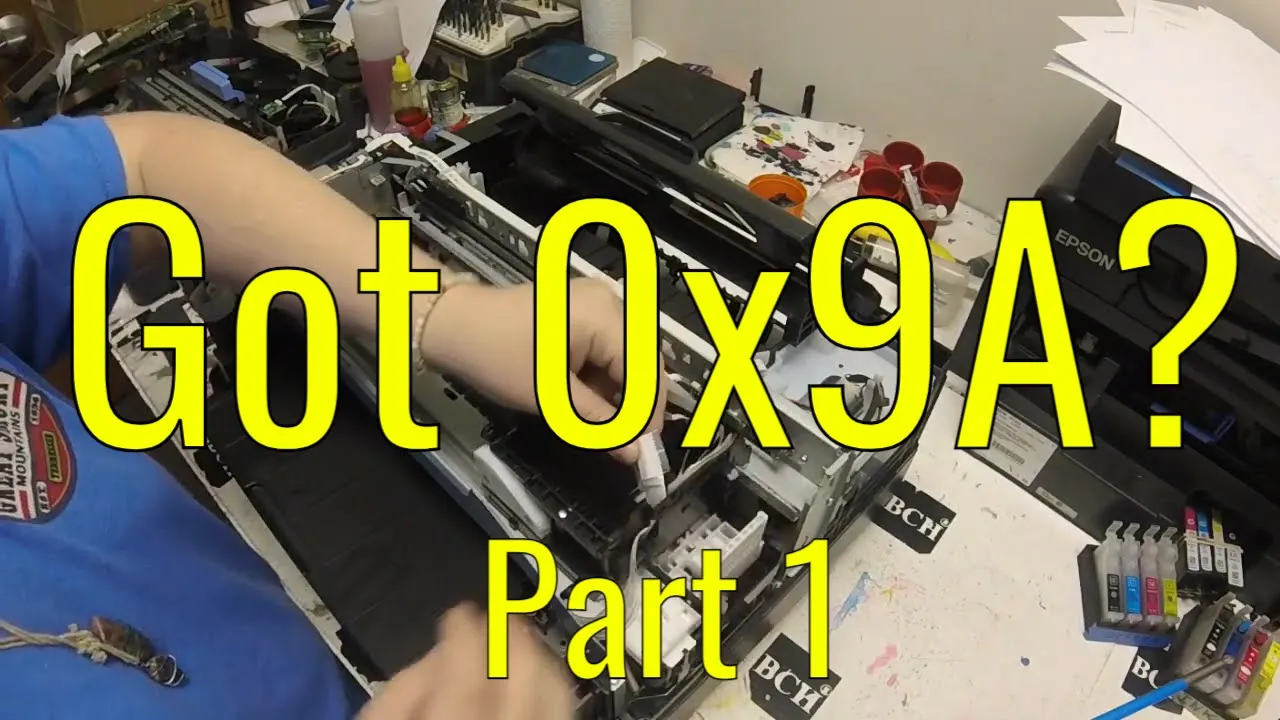
The embedded video visually demonstrates where this type of internal signal issue occurs inside an Epson ET-2550 and explains how restoring proper communication resolves the error condition. The video is provided for educational context only, helping viewers understand the nature of the error without positioning repair as a commercial service.